

Understanding Minimalist Workstations
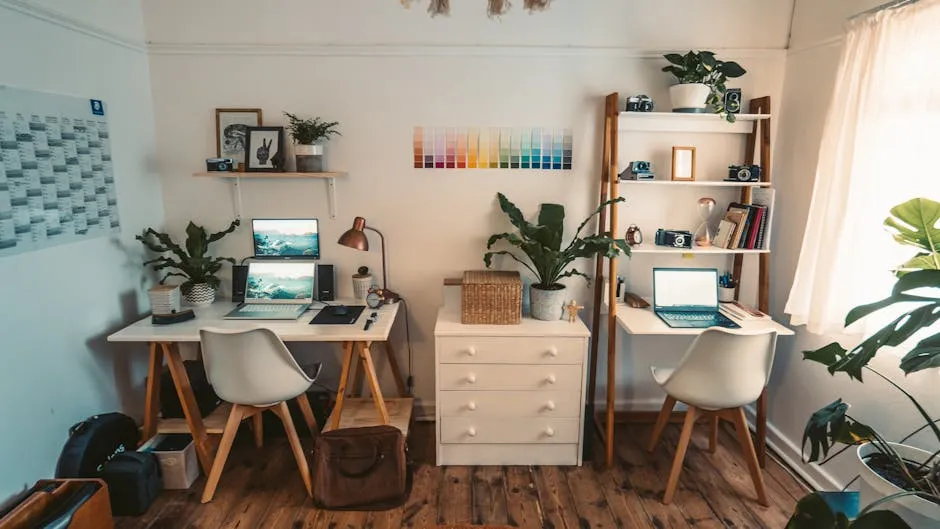
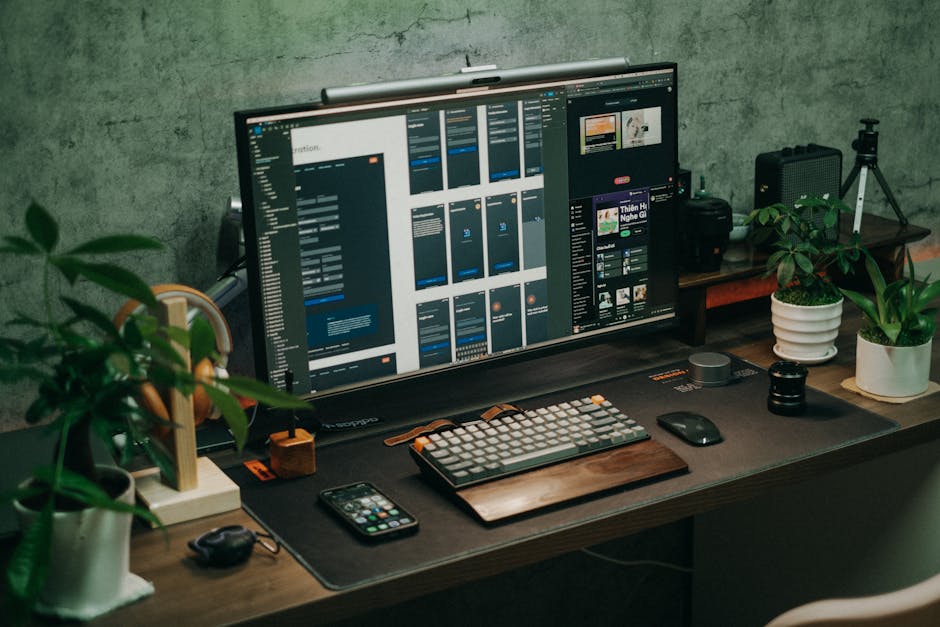
Minimalist workstations focus on simplicity and functionality, stripping away unnecessary elements to create a clean, uncluttered workspace. This design philosophy not only promotes a visually appealing environment but also enhances productivity by reducing distractions. For small spaces, a minimalist setup can significantly optimize the available area, making it feel more open and less cramped.
Key Features of Minimalist Workstations
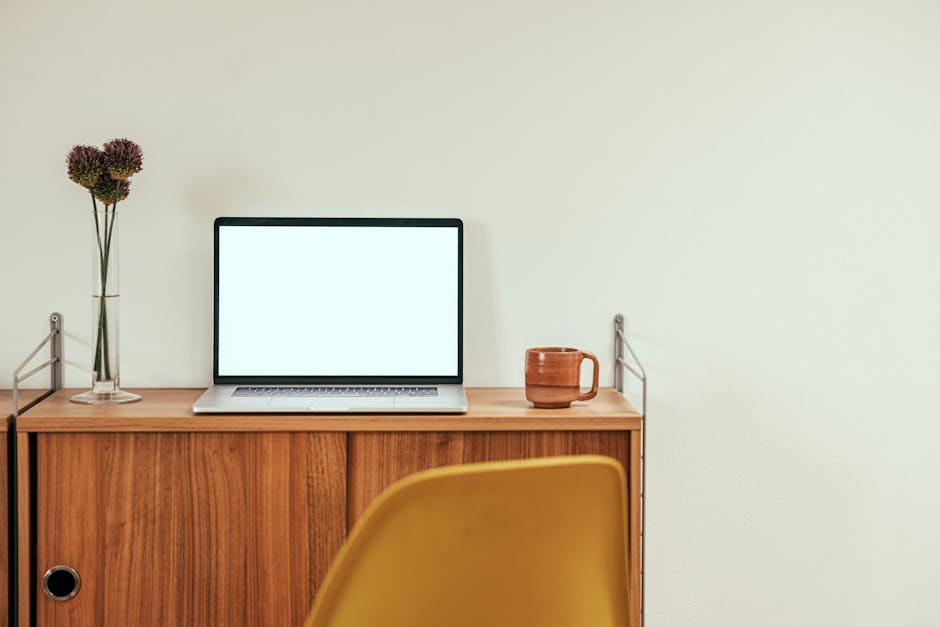
- Sleek Design: Minimalist desks often feature clean lines and neutral colors, allowing them to blend seamlessly into any decor.
- Space Efficiency: With fewer components, these workstations take up less room, making them ideal for tight quarters.
- Organizational Tools: Many minimalist designs come with built-in storage solutions that help maintain order without overwhelming the space.
The Benefits of Ergonomic Workstations
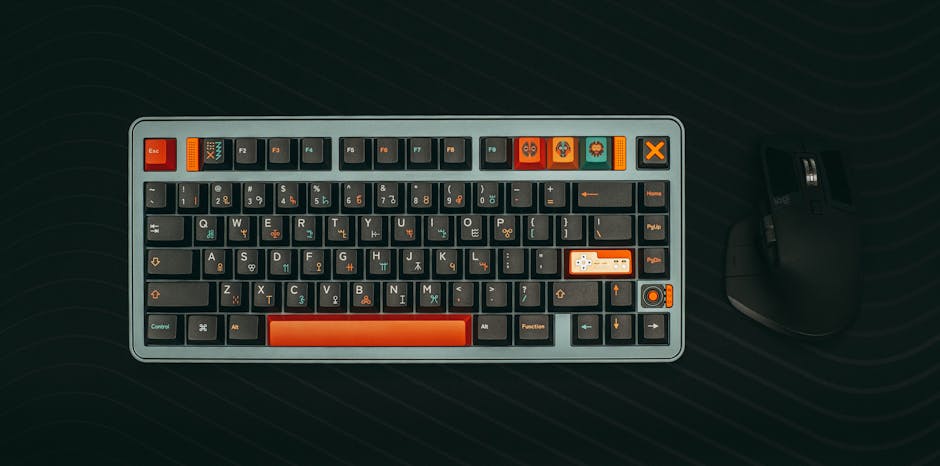
Ergonomic workstations prioritize comfort and health, focusing on designs that support proper posture and reduce the risk of strain or injury. This type of workstation is particularly important for those who spend long hours at their desks. While ergonomic options may take up more space, they offer significant advantages for long-term productivity and well-being.
Key Features of Ergonomic Workstations
- Adjustable Components: Ergonomic desks often feature adjustable heights, allowing users to switch between sitting and standing positions.
- Supportive Seating: Chairs designed with ergonomic principles help ensure that the spine is supported, reducing the risk of back pain.
- Enhanced Productivity: By promoting better posture and comfort, ergonomic workstations can lead to greater focus and efficiency.
Comparing Minimalist and Ergonomic Workstations
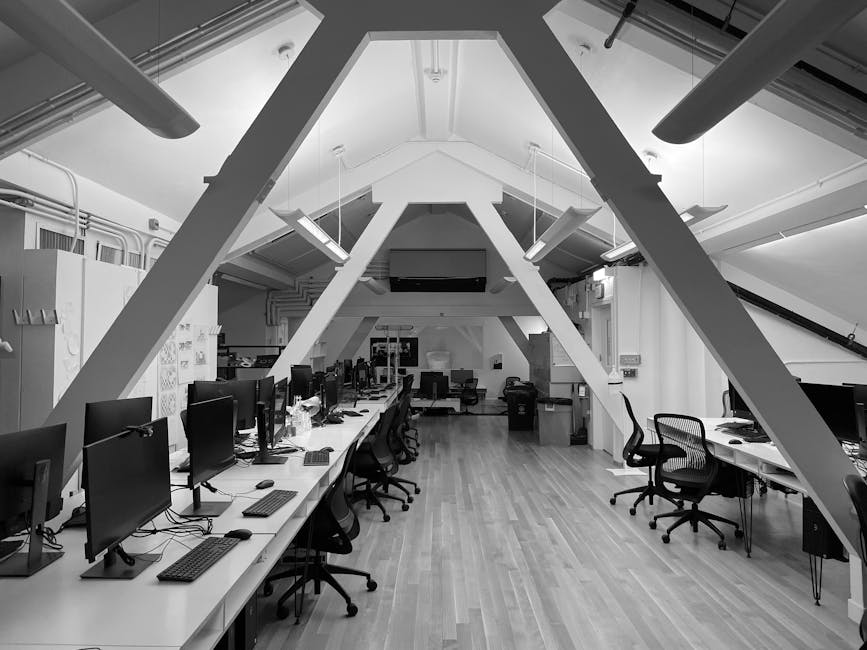
| Feature | Minimalist Workstations | Ergonomic Workstations |
|---|---|---|
| Design Aesthetics | Simple and clean | Functional with additional features |
| Space Requirements | Less space needed | More space may be required due to additional components |
| Health Benefits | Moderate | High, promotes proper posture |
| Cost | Generally lower | Can be higher due to advanced features |
Factors to Consider When Choosing a Workstation
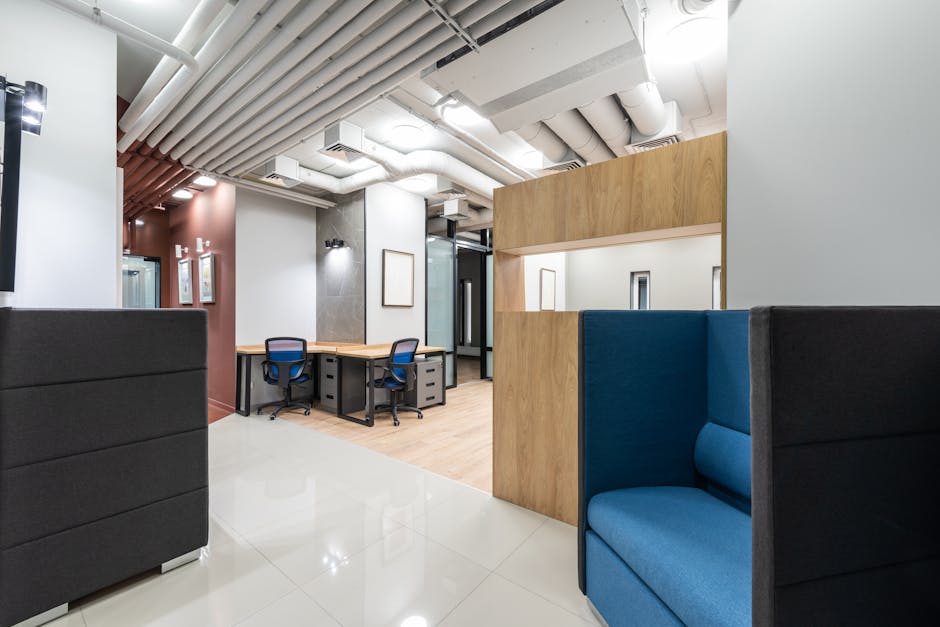
When selecting between minimalist and ergonomic workstations, several factors must be taken into account to ensure that your choice aligns with your lifestyle, work habits, and space limitations.
1. Space Availability
Evaluate the dimensions of your workspace. Minimalist options are often more suitable for smaller areas, while ergonomic designs may require more room for movement and adjustability.
2. Work Habits
Consider how many hours you spend at your desk. If your work involves long periods of sitting, an ergonomic workstation may be more beneficial to your health.
3. Aesthetic Preferences
Your personal taste also plays a crucial role. If you prefer a clutter-free style, a minimalist workstation might resonate more with your design aesthetic.
4. Budget
Assess your budget. Minimalist workstations are typically more affordable, while ergonomic options can be an investment due to their enhanced functionality.
Creating a Functional Desk Setup in Small Spaces
Regardless of the workstation type you choose, optimizing your desk setup can enhance both comfort and productivity. Here are some tips to create a functional workspace in limited areas:
- Vertical Storage: Utilize wall-mounted shelves to keep essential items within reach without cluttering your desk.
- Multi-Functional Furniture: Consider desks that can be folded away or converted for different uses.
- Declutter Regularly: Make it a habit to remove items that you do not use frequently to maintain an efficient workspace.
Frequently Asked Questions
The primary difference lies in their focus; minimalist workstations emphasize simplicity and aesthetics, while ergonomic workstations prioritize comfort and health through design features that support proper posture.
Yes, a minimalist workstation can incorporate ergonomic principles, such as adjustable desk heights or supportive seating, while still maintaining a clean and simple appearance.
Measure your space, consider your work habits, and determine your aesthetic preferences. Look for desks that offer features suited to your needs, such as storage solutions or adjustability.
For individuals who spend long hours at their desks, ergonomic workstations can significantly improve comfort and reduce the risk of injuries, making them a worthwhile investment.
Common materials include wood, metal, and glass. These materials can create a sleek look while ensuring durability and functionality.